Tips for Creating a Cozy and Productive Home Office Space
kytubii.pro >> population>> Tips for Creating a Cozy and Productive Home Office Space
Tips for Creating a Cozy and Productive Home Office Space
Creating a home office that balances comfort and productivity is essential for anyone working remotely or freelancing. A well-designed space can help you stay motivated, focused, and relaxed during your workday. In this post, we’ll explore practical tips to help you set up a cozy and efficient home office that inspires creativity and efficiency.
1. Choose the Right Location
Find a Quiet Spot
Select a space in your home that is quiet and away from distractions like TV or foot traffic. Having a dedicated area helps signal to your brain that it’s time to work.
Consider Natural Light
If possible, set up your desk near a window. Natural light improves mood and alertness. However, avoid glare on your computer screen by positioning your desk perpendicular to the window.
2. Invest in Comfortable Furniture
Ergonomic Chair
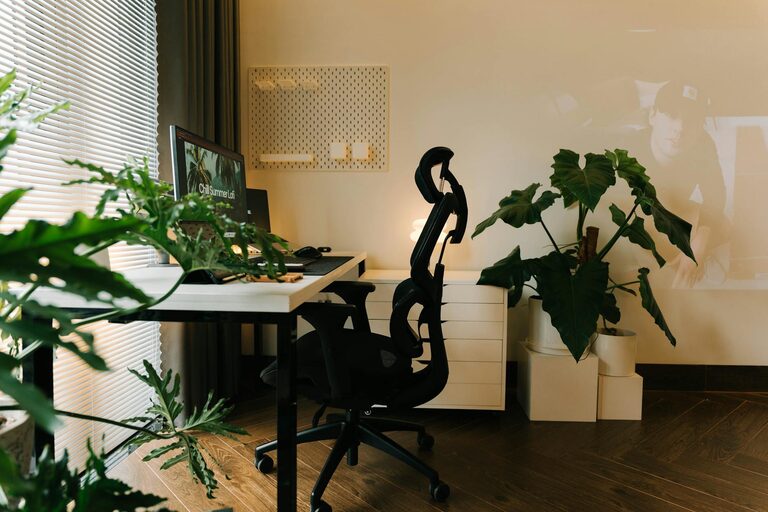
Your chair is crucial for comfort and posture. An ergonomic chair with adjustable height, lumbar support, and cushioned seating helps prevent back pain and fatigue.
Functional Desk
Choose a desk with enough surface area to hold your computer, notes, and other essentials without feeling cramped. Adjustable desks that can switch between sitting and standing positions are great if you want to vary your posture throughout the day.
3. Personalize Your Space
Add Personal Touches
Decorate with items that inspire you, like photos, art prints, or a plant. Plants add color and improve air quality, creating a warmer and fresher environment.
Use Calming Colors
Soft tones like blues, greens, or neutrals promote tranquility and focus. Avoid overly bright or distracting colors that can disturb concentration.
4. Optimize Lighting
Layer Your Lighting
Combine natural light with task lighting and ambient lights. A desk lamp with adjustable brightness and temperature can reduce eye strain during late hours.
Avoid Harsh Overhead Lights
If possible, use diffused lighting or lamps to reduce harsh shadows and glare, making your workspace more inviting.
5. Keep Organized and Clutter-Free
Declutter Regularly
Keep only what you need on your desk. Clutter can cause stress and reduce productivity.
Use Storage Solutions
Invest in shelves, drawers, or organizers to store stationery, documents, and tech accessories neatly.
Cable Management
Tidy up cables with clips or sleeves to prevent tangling and maintain a clean look.
6. Incorporate Technology Wisely
Reliable Equipment
Use devices that are reliable and suited to your work. A fast internet connection, a comfortable keyboard, and a high-quality monitor contribute to efficiency.
Minimize Distractions
Turn off non-work notifications or use apps that block distracting websites during work hours.
7. Create a Routine-Friendly Environment
Define Work Hours
Set clear boundaries by having specific work hours and communicating them to household members.
Use Visual Cues
A clock or planner visible on your desk helps you track tasks and breaks, supporting time management.
8. Add Comfort Features
Temperature Control
Ensure your space is well-ventilated and easy to adjust for warmth or coolness, as temperature affects comfort and focus.
Cozy Textiles
Add a soft rug or a cushion to your chair. These small touches can make a big difference in creating a welcoming atmosphere.
9. Take Breaks Within Your Space
Comfortable Spot for Breaks
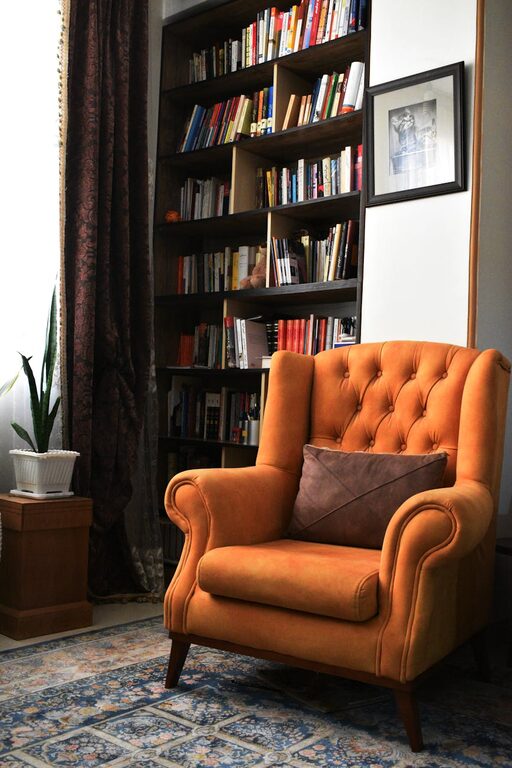
If space allows, include a small area with a comfy chair or cushion where you can take short breaks away from the desk.
Encourage Movement
Use a timer to remind yourself to stretch or walk around every hour, which helps reduce stiffness and refreshes your mind.
—
By implementing these tips, you can create a home office that feels both cozy and productive. The key is to balance functionality with comfort, making your workspace a place where you want to spend time and can focus effectively. Whether you’re new to working from home or looking to improve your current setup, these strategies will help you build an environment that supports your best work.
Related Post
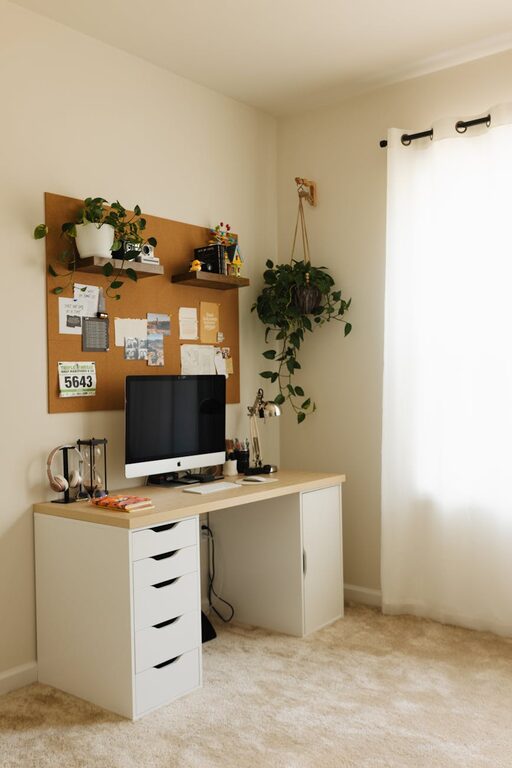
Tips for Creating a Cozy and Inviting Home Office Space
Creating a cozy and inviting home office space is more important than ever as many…