How to Create a Cozy and Inviting Home Workspace
kytubii.pro >> population>> How to Create a Cozy and Inviting Home Workspace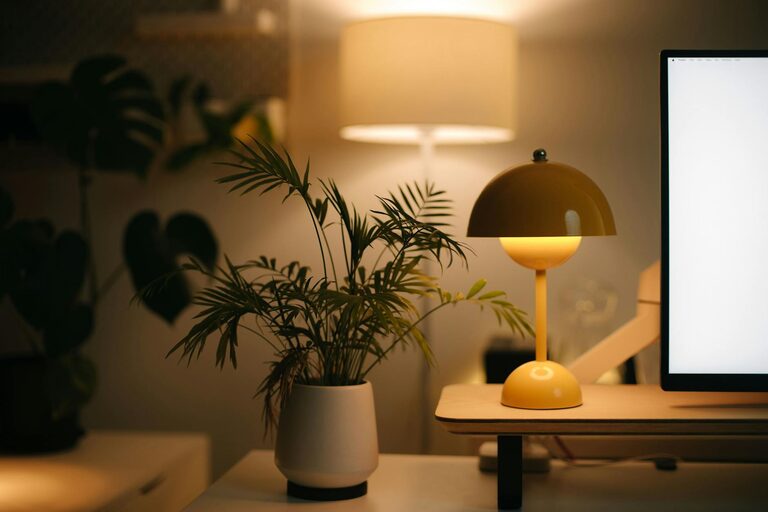
How to Create a Cozy and Inviting Home Workspace
Creating a home workspace that feels cozy and inviting is more important than ever. Whether you’re working remotely, freelancing, or managing household tasks, having a dedicated area that encourages focus and comfort can make a big difference. In this guide, we’ll explore practical tips to transform any space into a pleasant and productive home workspace.
Why a Cozy Workspace Matters
A workspace isn’t just about functionality; it should also feel welcoming. When you enjoy your surroundings, you’re more likely to stay motivated and less prone to stress or distractions. Cozy environments can help you feel relaxed yet productive, making long hours more manageable.
Step 1: Choose the Right Location
Consider Natural Light
Whenever possible, pick a spot near a window. Natural light can enhance mood, reduce eye strain, and naturally boost energy levels. If natural light is limited, invest in quality lighting options like adjustable desk lamps with warm bulbs.
Assess Noise Levels
Find a quieter corner of your home to minimize disruptions. If background noise is unavoidable, noise-canceling headphones or soft background music can help maintain focus.
Step 2: Invest in Comfortable Furniture
Ergonomic Chair and Desk
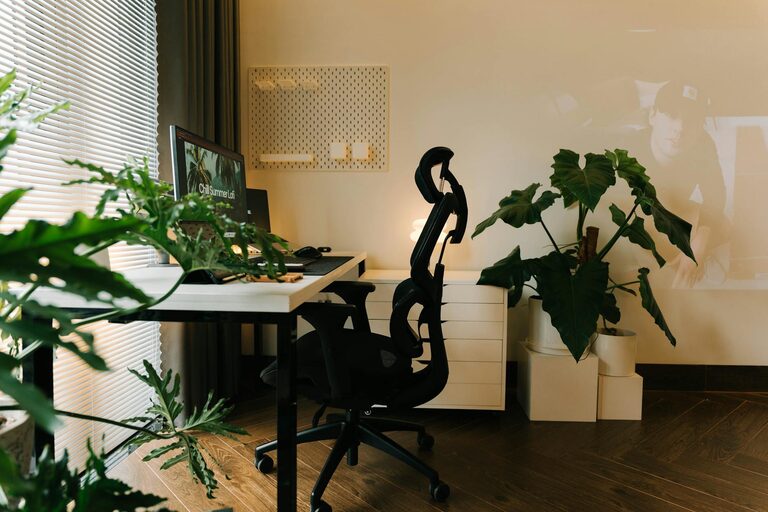
Comfort is key for long work sessions. Choose an ergonomic chair that supports your back and promotes good posture. Matching it with a desk at the right height will help prevent discomfort or repetitive strain injuries.
Add Soft Touches
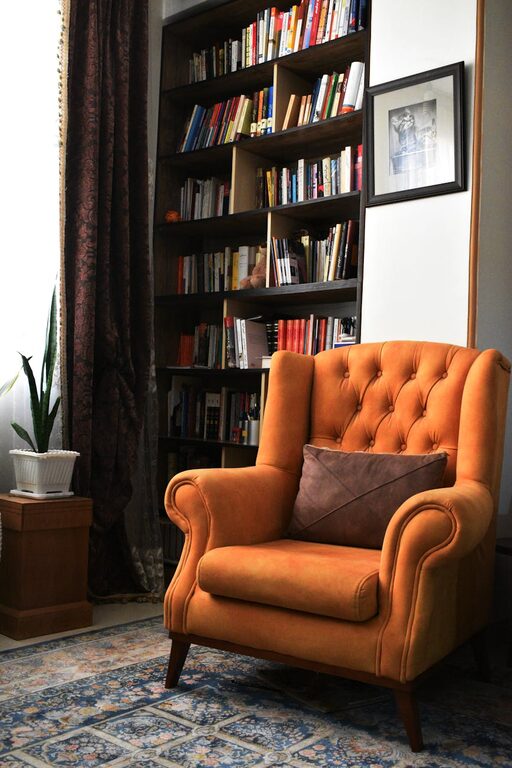
Consider adding cushions or a small throw blanket for extra comfort. A footrest can also help improve posture and add coziness.
Step 3: Personalize Your Workspace
Use Color Wisely
Colors influence mood. Soft, neutral tones like beige, soft gray, or pastel shades create a calming environment. If you prefer something vibrant, use bold colors as accents to energize the space.
Decorate With Meaning
Include personal items like photos, artwork, or plants. These add warmth and personality without cluttering the area. Plants, in particular, improve air quality and create a sense of calm.
Step 4: Organize for Efficiency
Declutter Regularly
Keep your workspace tidy by clearing unnecessary items daily. A messy area can increase stress and reduce productivity.
Storage Solutions
Use shelves, drawers, or baskets to keep supplies organized. Label containers for easy access and to avoid wasting time searching for things.
Step 5: Optimize Technology
Manage Cables
Tidy cables with clips, sleeves, or under-desk organizers. A clean setup enhances both the look and safety of your workspace.
Choose Helpful Tools
Select technology that supports your tasks efficiently, such as a reliable computer, printer, or external monitor. Ensure your internet connection is stable to avoid interruptions.
Step 6: Create Ambiance
Control Temperature
A comfortable temperature zone helps maintain focus. Use fans, heaters, or natural ventilation to keep the space feeling just right.
Add Scent and Sound
Pleasant scents like lavender or citrus can improve mood; consider an essential oil diffuser or scented candles if safe. Background sounds like white noise or soft music can also enhance concentration.
Step 7: Take Breaks and Move
No workspace feels cozy if you stay in one spot for hours. Set reminders to stand, stretch, or take a quick walk. Incorporating small breaks helps refresh your mind and prevents fatigue.
Final Thoughts
A cozy and inviting home workspace doesn’t require a complete overhaul or expensive investments. By thoughtfully selecting your location, prioritizing comfort, and personalizing your environment, you can create a space that fosters productivity and well-being. Try out these tips gradually and adjust based on what works best for you — your ideal workspace is just a few steps away!
Related Post

Tips for Creating a Peaceful and Productive Home Office Environment
Working from home has become increasingly common, and having a peaceful, productive home office is…